Your Google Business Profile Is Stuck. We Get It Verified.
Built for service-area businesses with no physical storefront (tow trucks, HVAC, mobile mechanics, plumbers, and more). We know the exact workaround Google requires.
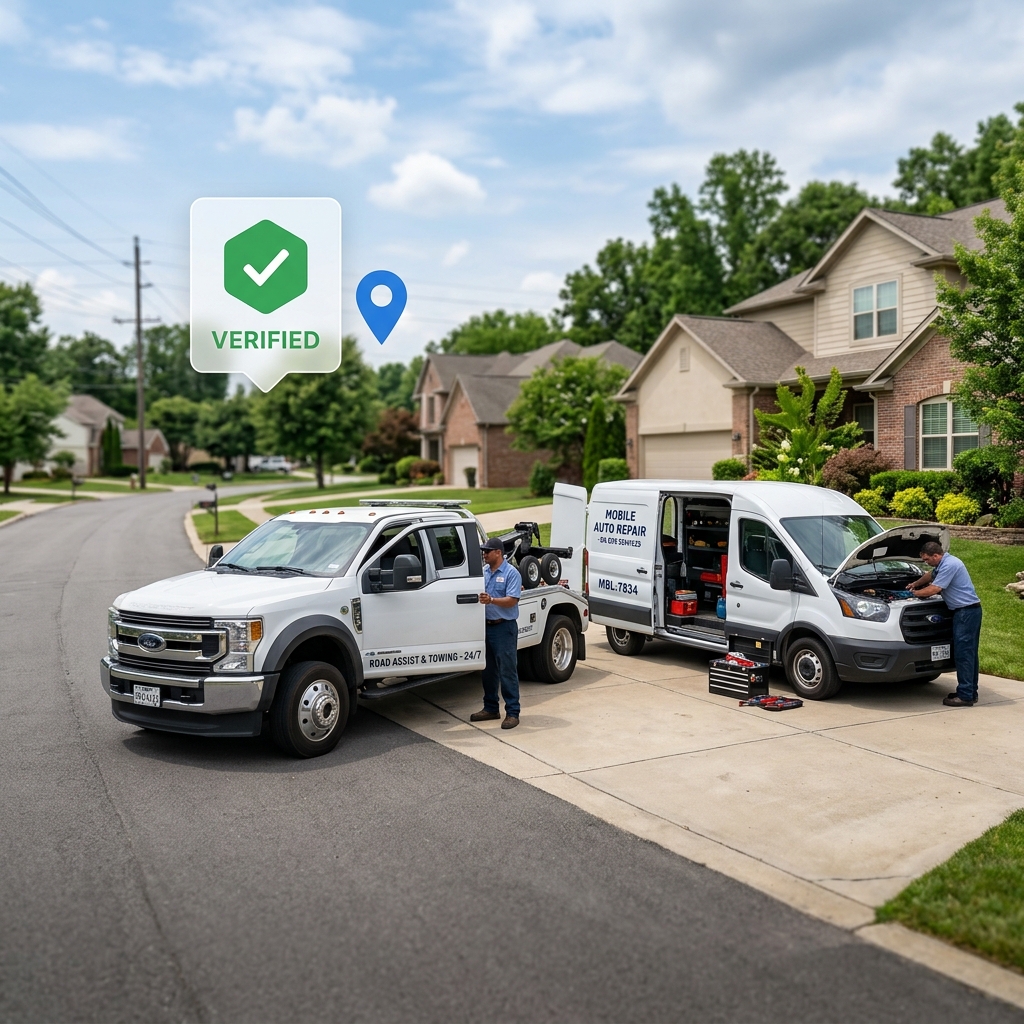
Why GBP Verification Fails for Service Businesses
Google's verification process was designed for businesses with a physical storefront. Service-area businesses get stuck in loops that most agencies don't know how to fix.
Virtual or Registered Agent Address
Your LLC is registered to an address you can't film: a registered agent office or a UPS Store that Google won't accept as proof.
Rejected Video Submissions
Google's requirements are strict and largely undocumented. Most first attempts fail because the reviewer can't confirm identity from the footage.
No Physical Storefront
Service-area businesses don't have a shop to walk reviewers through. The standard verification flow assumes you do.
Hidden Address Catch-22
You're supposed to hide your address as an SAB, but hiding it before verification prevents approval. Knowing when to switch is critical.
The Workaround That Works
The exact process we use for service-area businesses with no storefront, simplified for you.
Update your GBP address temporarily
Switch to your home or service address in GBP settings. This must match the address visible in your video.
Start at your street sign
Begin filming at the street sign or address marker. The house or unit number must be clearly legible on camera.
Walk to the property entrance
Move toward the building or driveway, keeping the address visible for as long as possible in the shot.
Move to your work vehicle
Film your truck, trailer, or equipment. Show any branding, tools, or identifying marks that confirm this is a working business.
Show your business documentation
Hold your LLC registration, business license, or state filing on camera. The business name must be visible and legible.
Show supporting materials
Business cards, invoices, uniforms, or any branded materials reinforce legitimacy if documentation is thin.
Hide your address after approval
Once verification is approved, switch GBP to Service Area Business mode and hide your address. Google allows this, and we'll confirm it's done correctly.
GBP Verification Packages
Pick the right level based on where you are in the process.
GBP Discovery Audit
Not sure what's wrong yet.
- Full GBP account diagnosis
- Identify exact verification blocker
- Written action plan with steps
- Credited toward Rescue or Setup
Verification Rescue
Already rejected, need a fix fast.
- Full account & video diagnosis
- Step-by-step re-shoot guide
- Video review before submission
- Address strategy for SABs
- Submit & monitor through approval
Profile Setup & Optimization
Full verified + AI-ready profile.
- Everything in Verification Rescue
- Full GBP profile build-out
- AI-optimized categories & services
- Photos, hours & description set up
- Suspension reinstatement (if needed)
- Post-verification SAB configuration
Who This Is For
If your business comes to the customer, not the other way around, this is built for you.
Common Questions
Yes, Google allows service-area businesses to hide their address once the profile is verified. We walk you through exactly when and how to do this so your personal address stays private while your profile stays active.
Rejected videos usually fail for one of four reasons: the street address isn't clearly visible, the footage is too shaky or dark, the reviewer can't confirm the business identity, or you're filming at an address that doesn't match your GBP listing. We identify the specific reason and reshoot with you.
No. Service-area businesses (tow trucks, HVAC, mobile mechanics, plumbers) verify through a different process than brick-and-mortar locations. The workaround involves your home or service address, your work vehicle, and your business documentation.
Most verifications are resolved within 7–14 days once we have the correct video submitted. Google's review queue can vary, but we monitor the status and follow up if there are delays.
Suspension is different from a failed verification: it requires a reinstatement appeal, not a new video. Our Profile Setup & Optimization package covers suspension reinstatement. If you're not sure which situation you're in, start with the Discovery Audit and we'll diagnose it.
Technical Specifications & Google Compliance
Ground-truth technical specifications and compliance requirements for Google Business Profile verification of service-area businesses (SABs).
1. Eligible Business Structure Criteria
Eligible businesses must serve customers at their locations within a defined service radius. Brick-and-mortar storefront signage is not required. Eligible categories include: HVAC, plumbing, locksmiths, mobile mechanics, towing services, pest control, and landscaping.
2. Video Verification Requirements
The verification video must be captured in a single continuous unedited recording. It must contain the following critical components:
- Current Location Proof: Capture outdoor street signs, house number, or landmarks matching the registration address.
- Business Legitimacy: Show branded vehicles (license plate, tools, logo decals) or equipment used for operations.
- Management Authority: Demonstrate access to restricted areas (opening a tool chest, vehicle cab, home office with keys).
- Commercial Proof: LLC state registration documents, matching business license, utility bill, or official invoices.
3. Post-Verification Address Compliance
Once verified, the public-facing physical street address must be hidden immediately in the Google Business Profile dashboard to transition into Service Area Business (SAB) status, conforming strictly to Google guidelines.
Book a Verification Consultation
Need expert guidance on your video verification? Schedule a 15-minute strategy call with our GBP specialists.
Your Competitors Are Already Showing Up. Let's Fix That.
Get a free GBP health check and we'll tell you exactly what's blocking your verification.
Get My Free GBP Health Check